Net worth calculator

Net Worth View

Data

Manage your data

Changes save automatically in this browser.

Backup — your complete data (recommended)

Spreadsheet (CSV)

Import backup

You already have data in this browser. Merge keeps everything and adds what the file contains (accounts by id, snapshots by date and new entries); Replace discards the current data first.

Track your complete net worth

The net worth tracker brings cash, investments, pensions, property and debts into one private dashboard. Add accounts in their own currencies and record dated balance snapshots whenever it suits you.

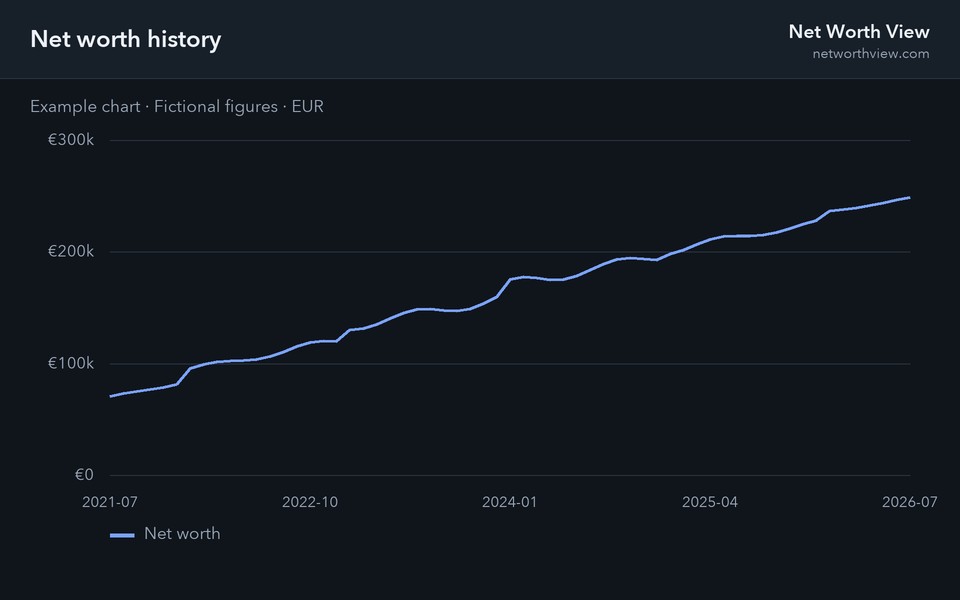
See total assets, liabilities and net worth alongside account and asset-class breakdowns, allocation charts, monthly movement and year-over-year growth. Historical exchange rates keep multi-currency comparisons consistent.

How Net Worth View works

  1. 1 · Add accounts & balances

    List your cash, investment, property, pension and loan accounts, then record a balance snapshot whenever you like — monthly works well. Multiple currencies are converted automatically.

  2. 2 · Track cash flow

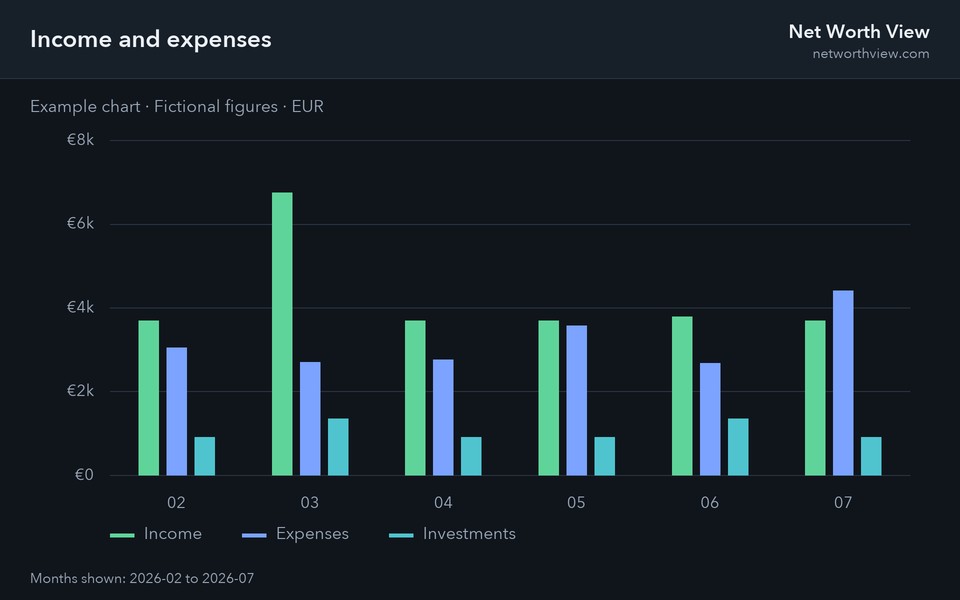
    Log income, spending and investments by category to see your savings rate and a flow chart of where the money goes each month.

  3. 3 · Project the future

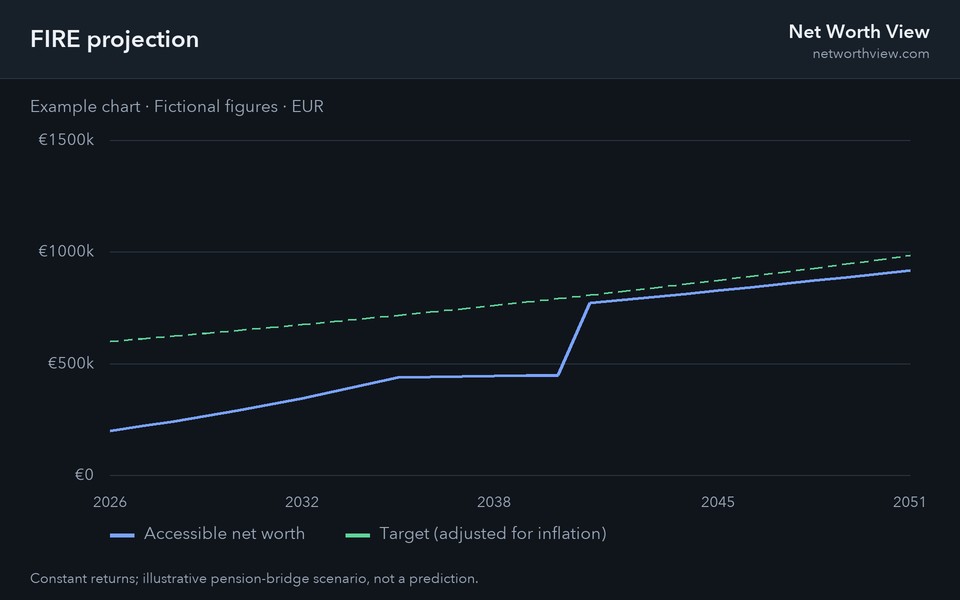
    Set growth rates per asset class, contributions and debt repayments to forecast your net worth — with an inflation-adjusted view, a drawdown and a FIRE target.

Want to see it filled in first? Open the live example — five years of snapshots across cash, investments, pension, property and a mortgage, categorised cash flow, and a 35-year projection.

Private by design

Your data never leaves this browser: there is no account, no server-side storage, and nothing to sign up for. Use Export backup for a full backup you can re-import anywhere, or Export CSV to open your balances and cash flow in a spreadsheet. See the calculation methodology and assumptions for formulas, data sources and projection limitations.

Frequently asked questions

Is my financial data uploaded anywhere?

No. Everything is stored locally in your browser. The only network requests fetch public exchange rates, send limited cookieless analytics, and, if you consent, enable Analytics cookies and ads; your figures are never sent.

How do I back up or move my data?

Use Data → Export backup to download a full backup file, then Import backup on any other device.

Can I import from a spreadsheet or bank export?

Yes — Data → Import CSV accepts a cash-flow file (month, kind, category, subcategory, amount, currency, note) or a balances file (date plus one column per account). Imports merge into your existing data.

Can I track accounts in different currencies?

Yes. Each account and entry keeps its own currency, and every chart and total converts to the display currency you pick in the header, using daily exchange rates.